

Fiscalized invoices
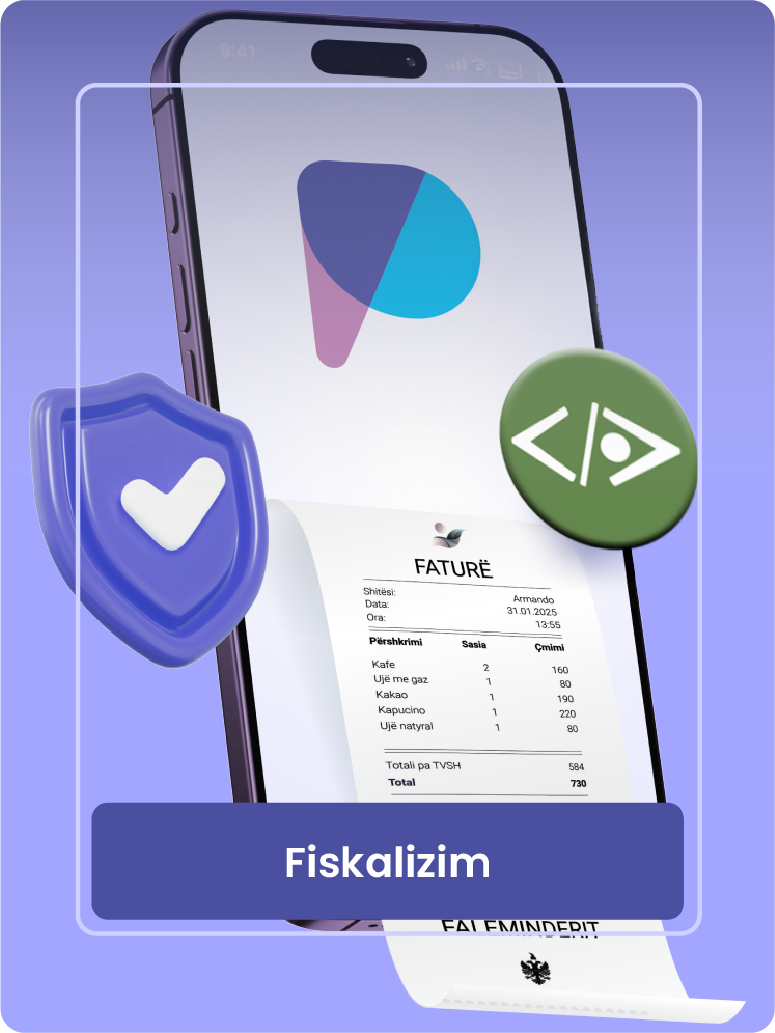
Pago allows you to connect your account to the fiscalization system, to be informed about purchase invoices and to pay them through the application, with just one action.
A unique solution in the Albanian market
- The Pago – devPOS combination offers a unique solution that simplifies and speeds up the bill payment process for you.
- View purchase invoices at any time from your business account in the Pago app. Pay with one action , by selecting one of the bank accounts listed on the invoice from the seller.
How should you act?
If you use devPOS to fiscalize your invoices, you must access devPOS with an account that has administrator access, go to Settings> settings> Pago , select Yes to the Enable bill payment from Pago option and populate the Authorization code for bill payment from Pago field. You must enter the authorization code in Pago by going to Invoices and services.> E-invoice . For any questions, please contact customer service.
If you do not use devPOS for fiscalizing your invoices and do not want to change the system you use, you can register an account in devPOS just for this purpose, paying only 1,000 lek per year.

For Individuals
For Businesses
About Us
Download now




Pago is registered in Albania as a trademark of Rubicon Sh.a.
We are licensed (No. 52, dated 22.01.2022) by the Supervisory Council of the Bank of Albania as an electronic money financial institution.
© All rights reserved Rubicon 2025